
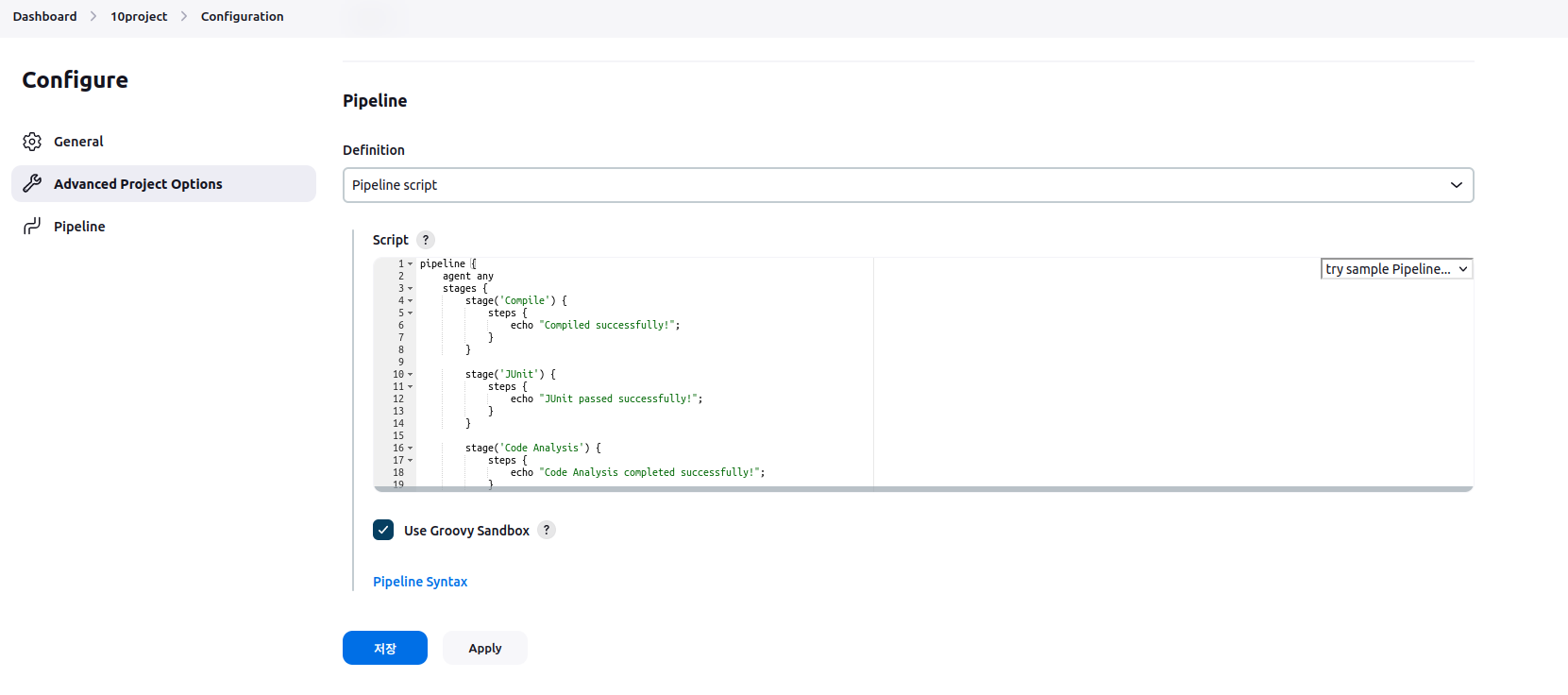
script1
pipeline {
agent any
stages {
stage('Compile') {
steps {
echo "Compiled successfully!";
}
}
stage('JUnit') {
steps {
echo "JUnit passed successfully!";
}
}
stage('Code Analysis') {
steps {
echo "Code Analysis completed successfully!";
}
}
stage('Deploy') {
steps {
echo "Deployed successfully!";
}
}
}
}
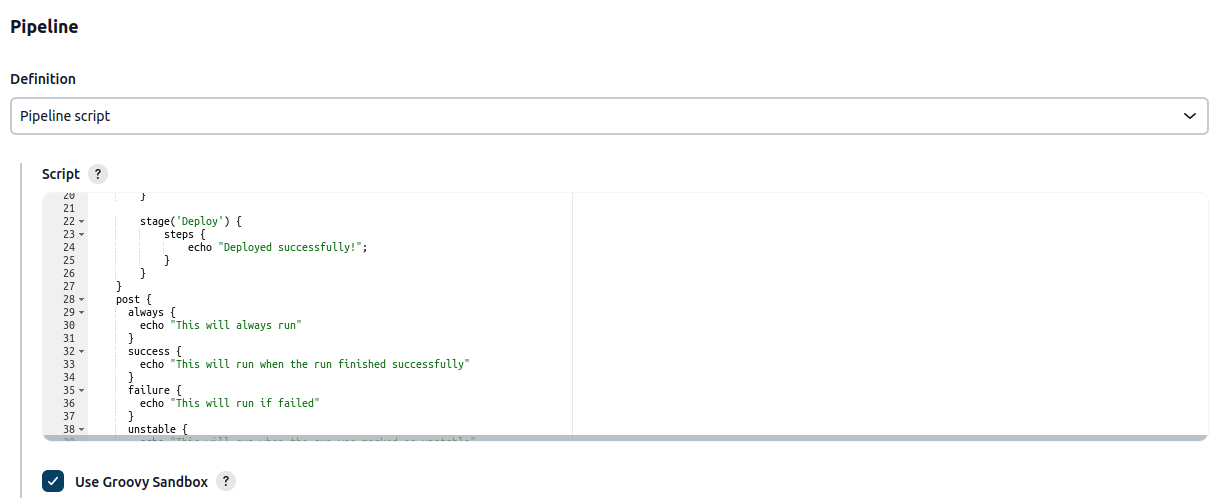
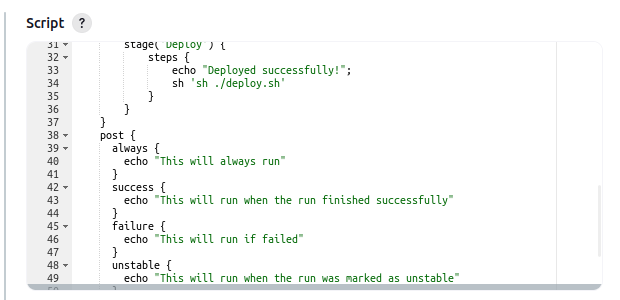
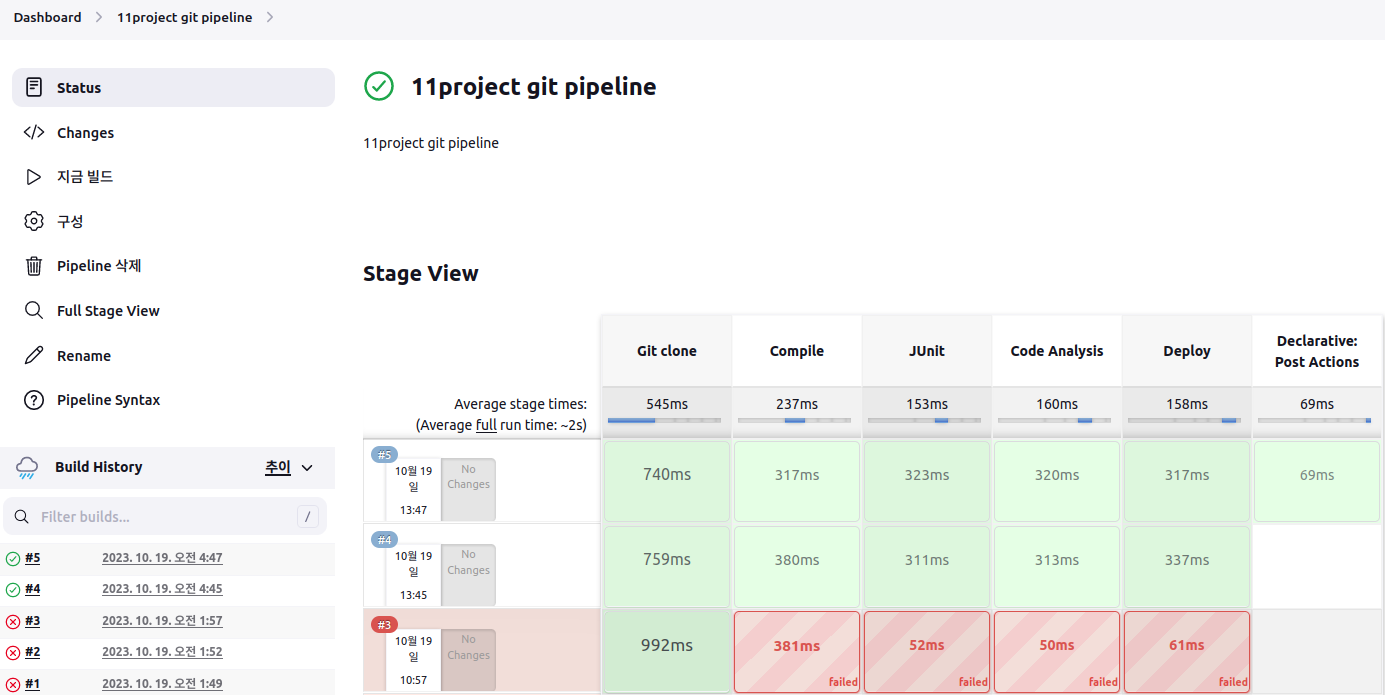
script2
pipeline {
agent any
stages {
stage('Compile') {
steps {
echo "Compiled successfully!";
}
}
stage('JUnit') {
steps {
echo "JUnit passed successfully!";
}
}
stage('Code Analysis') {
steps {
echo "Code Analysis completed successfully!";
}
}
stage('Deploy') {
steps {
echo "Deployed successfully!";
}
}
}
post {
always {
echo "This will always run"
}
success {
echo "This will run when the run finished successfully"
}
failure {
echo "This will run if failed"
}
unstable {
echo "This will run when the run was marked as unstable"
}
changed {
echo "This will run when the state of the pipeline has changed"
}
}
}
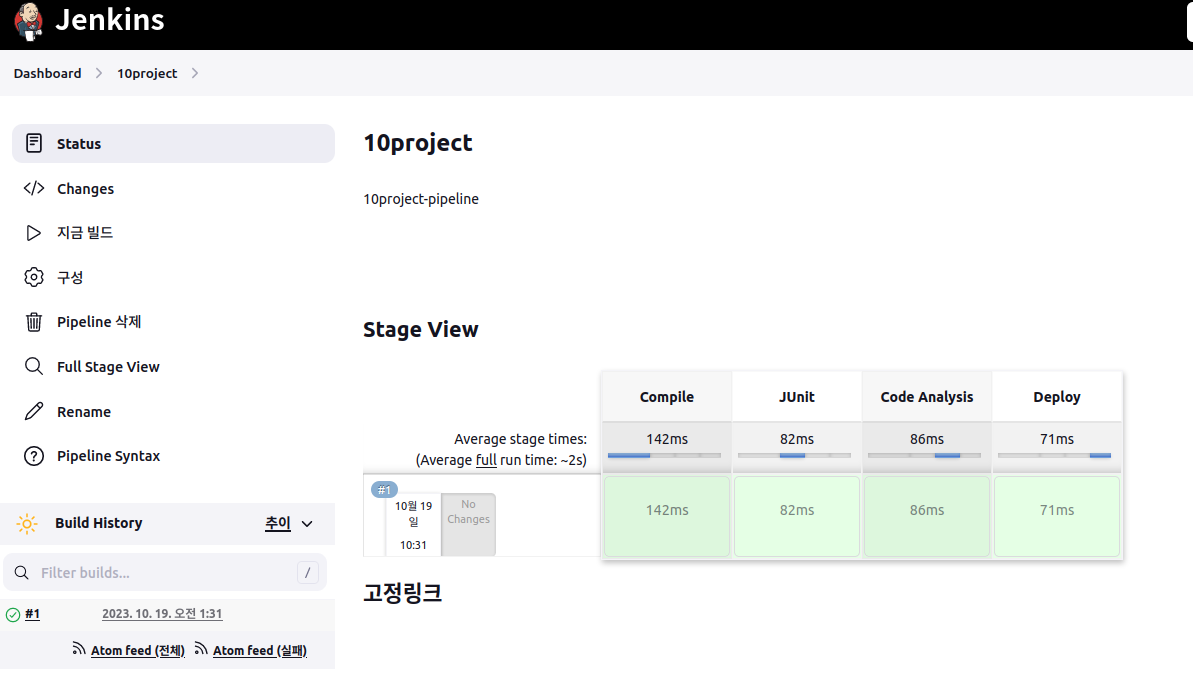
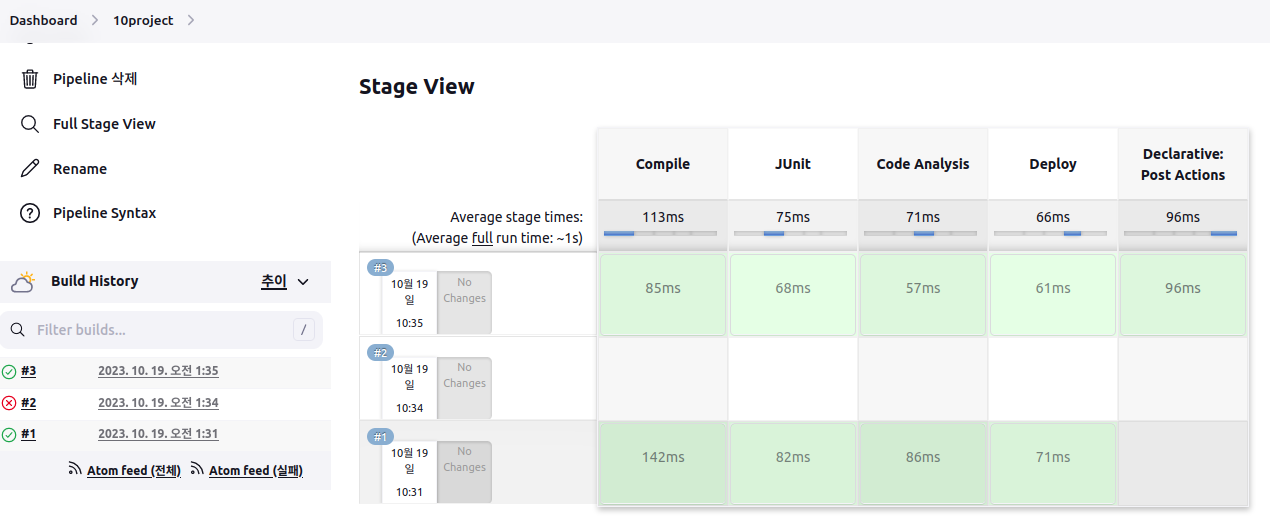
실습1


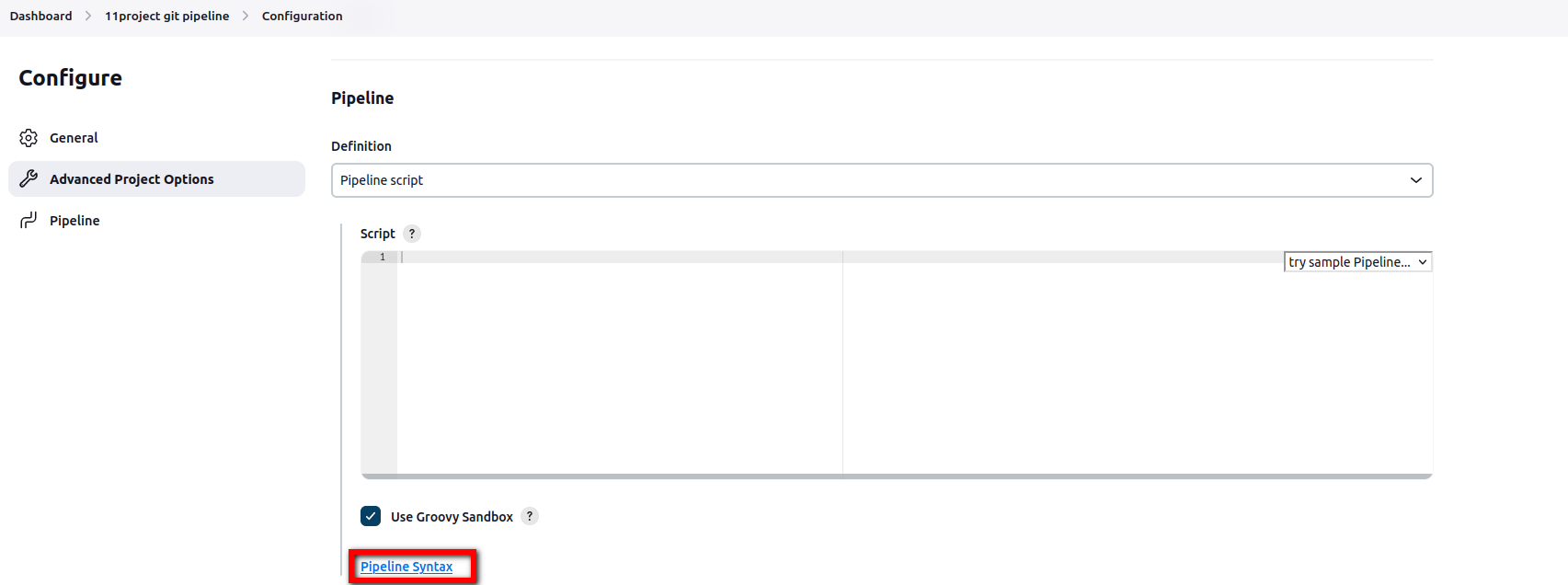
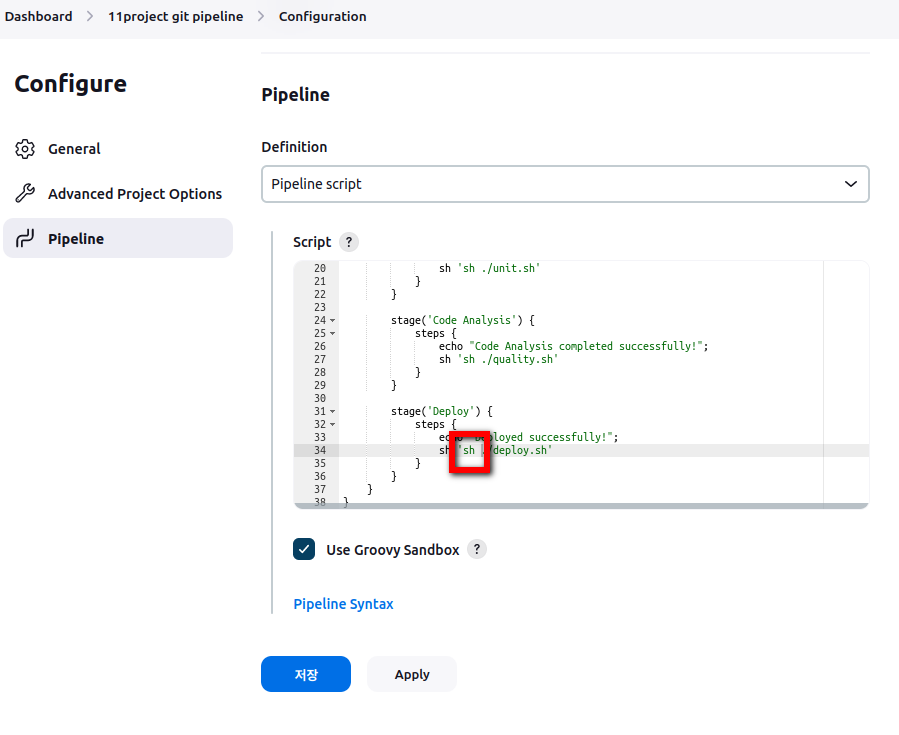
script3
pipeline {
agent any
stages {
stage('Git clone') {
steps {
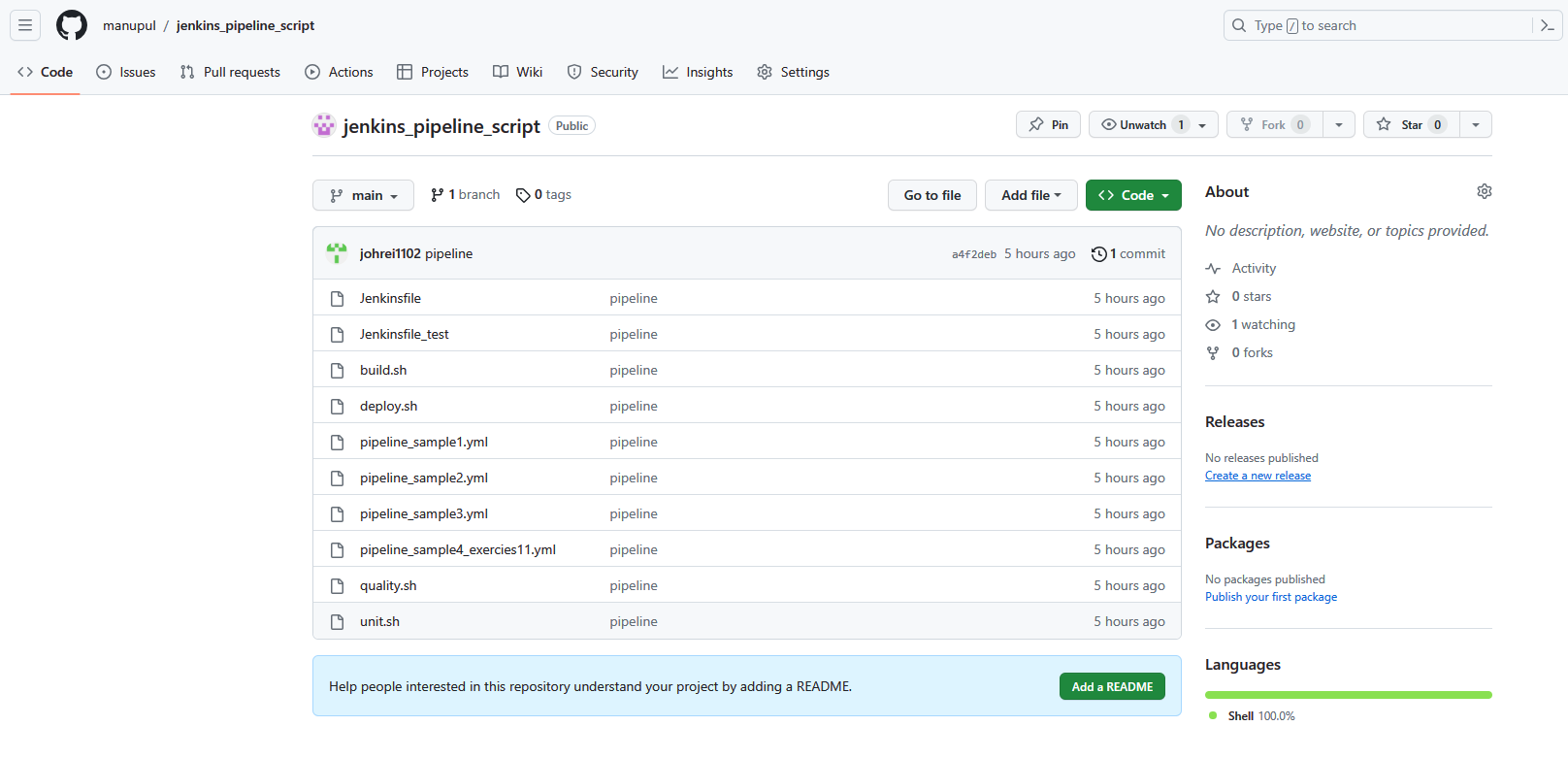
git branch: 'main', url: 'https://github.com/manupul/jenkins_pipeline_script'
}
}
stage('Compile') {
steps {
echo "Compiled successfully!";
sh './build.sh'
}
}
stage('JUnit') {
steps {
echo "JUnit passed successfully!";
sh './unit.sh'
}
}
stage('Code Analysis') {
steps {
echo "Code Analysis completed successfully!";
sh './quality.sh'
}
}
stage('Deploy') {
steps {
echo "Deployed successfully!";
sh './deploy.sh'
}
}
}
}
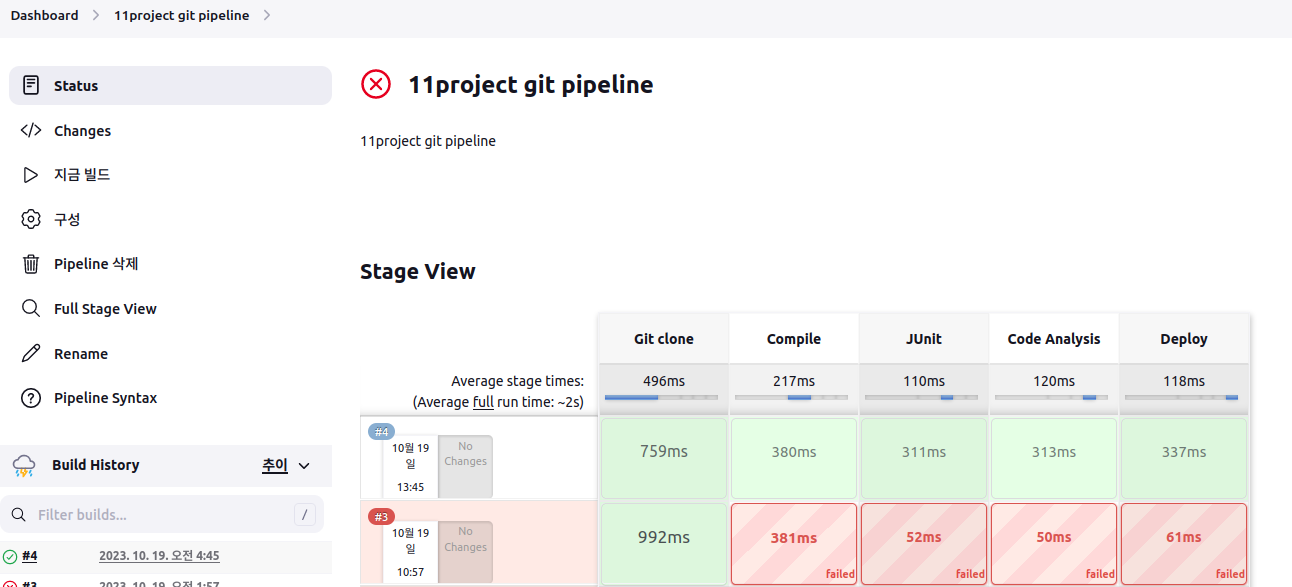
실습2

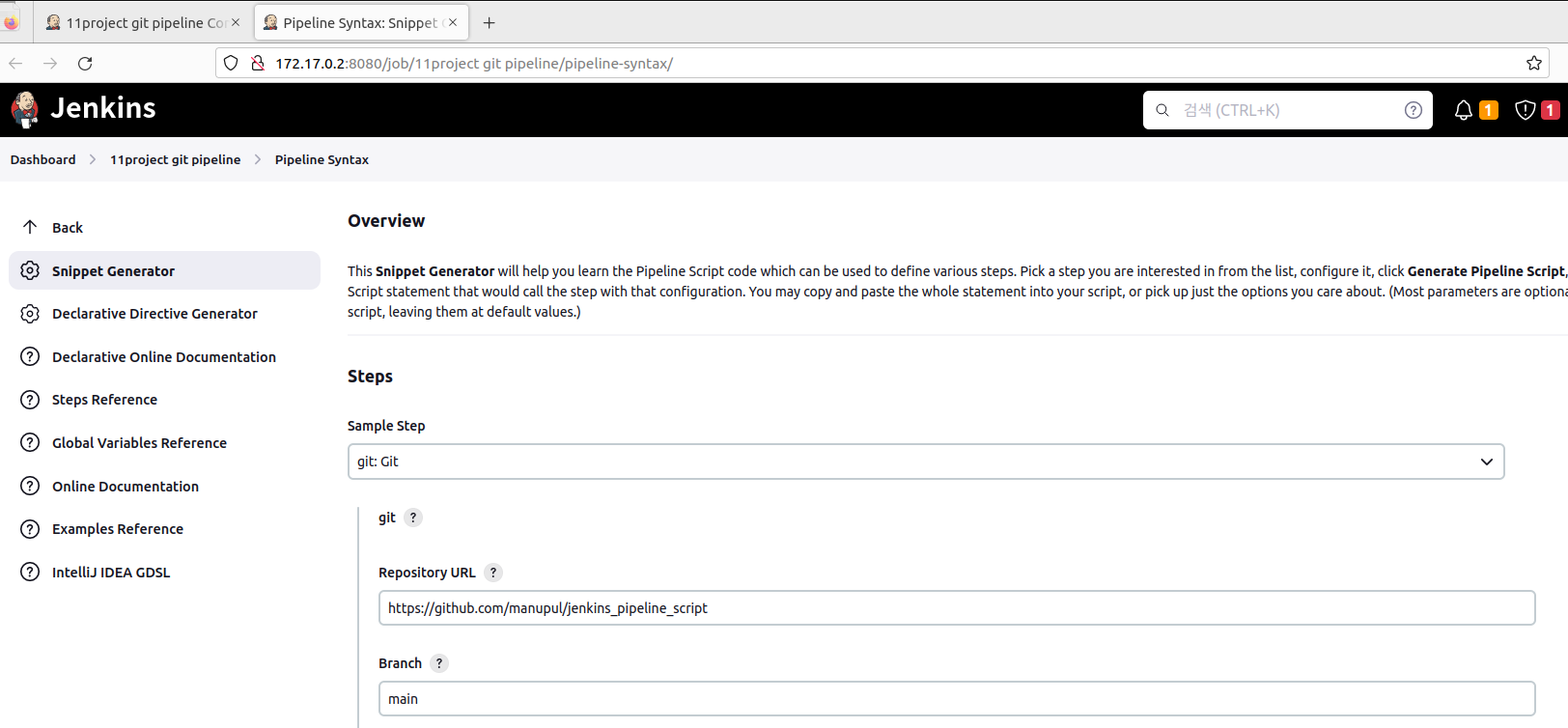

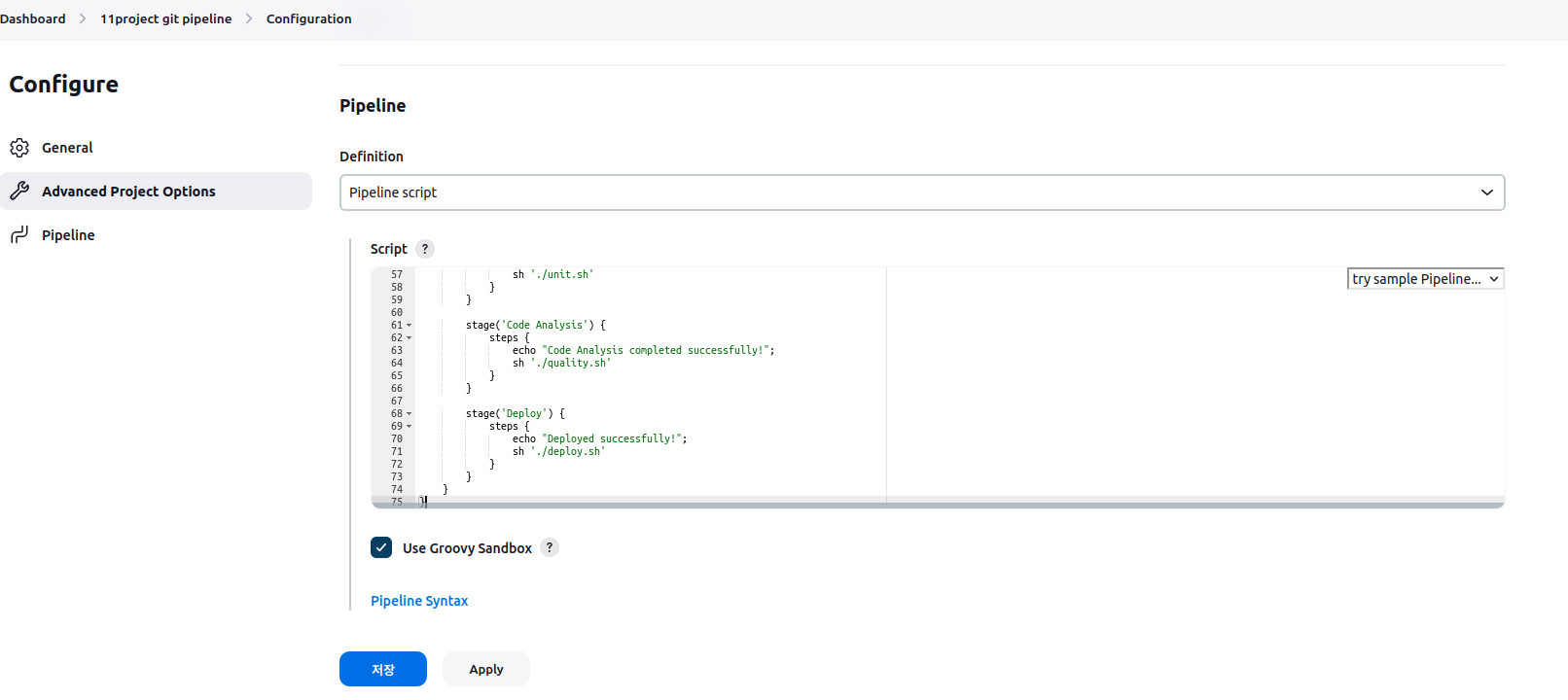
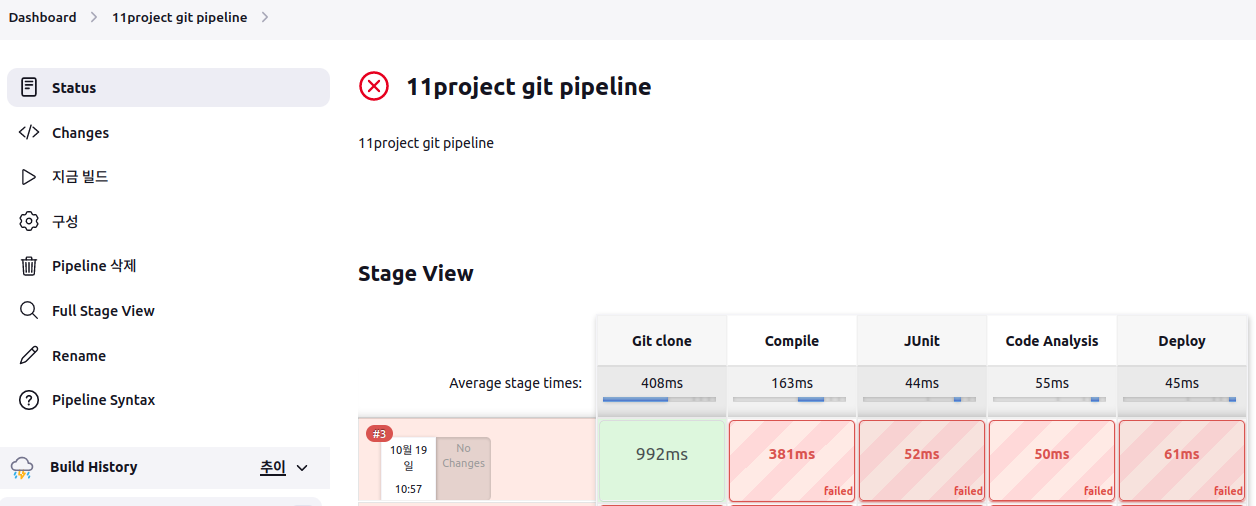

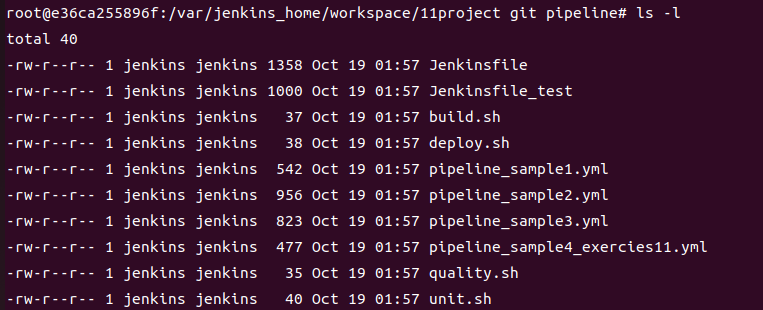
jenkins에 bash로 들어가서 확인해보자.

'docker' 카테고리의 다른 글
| pipeline을 이용한 app 배포 (1) | 2023.10.19 |
|---|---|
| pipeline-view (0) | 2023.10.19 |
| Docker hub를 이용한 container 생성 (0) | 2023.10.18 |
| ansible 내 tomcat SCM (0) | 2023.10.18 |
| Ansible-server에 tomcat 생성 (1) | 2023.10.17 |