Okta 계정 준비
Home | Okta Developer
Integrator Free Plan available! The Integrator Free Plan org, designed for both developers and integrators, is now available! Existing Okta Developer Edition Service orgs will be deactivated starting on July 18, 2025. If you're an existing Okta Developer E
developer.okta.com
사이트에서 Sign Up을 통해 계정을 생성한다.
이때 Integrator Free Plan 으로 가입하면 된다.
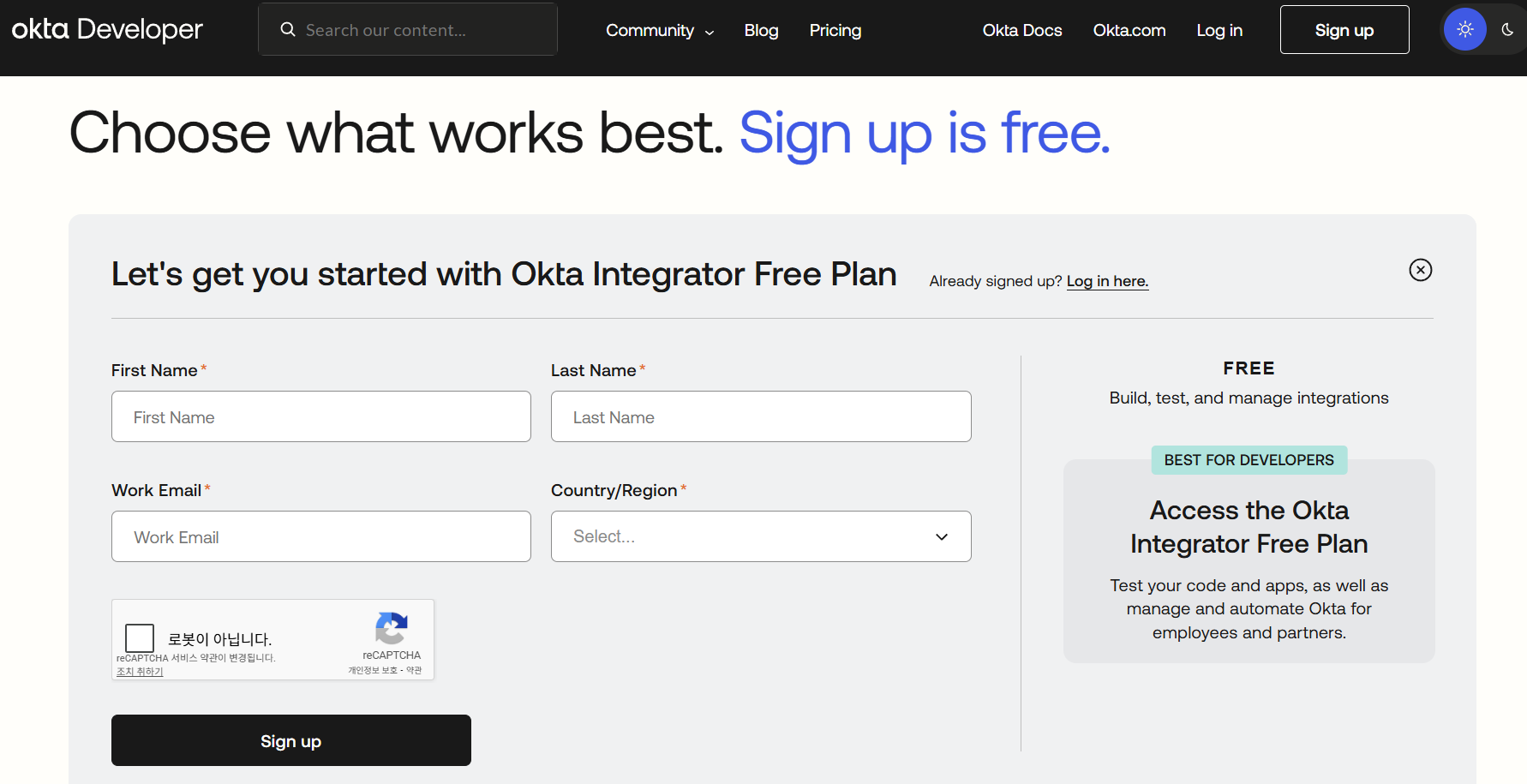 |
여기서 개인적으로는 daum 메일만 성공했다.
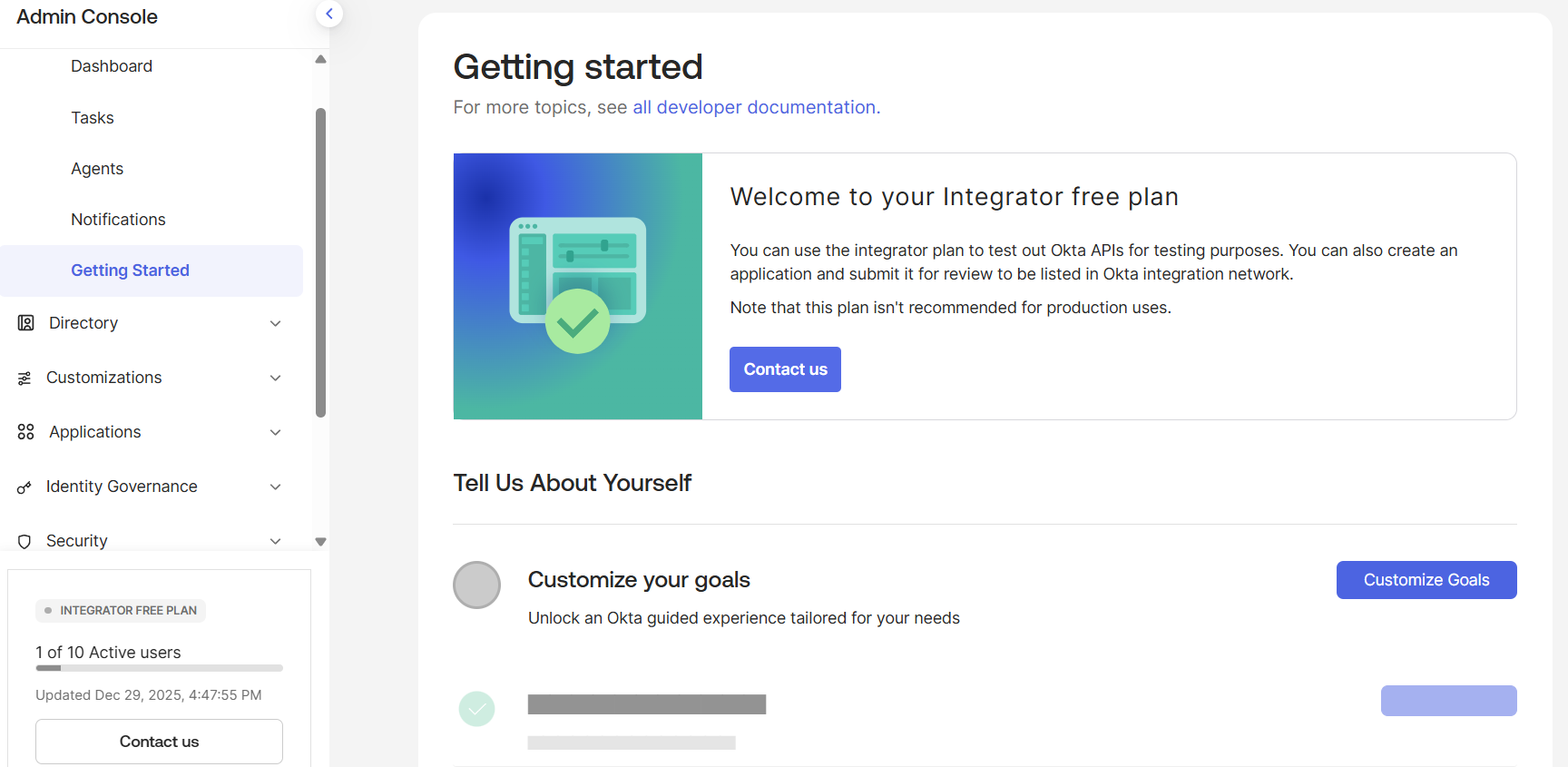 |
Applicaiton에 연동 후 로그인하면 아래와 같이 console 화면이 확인된다.
API Token 발급
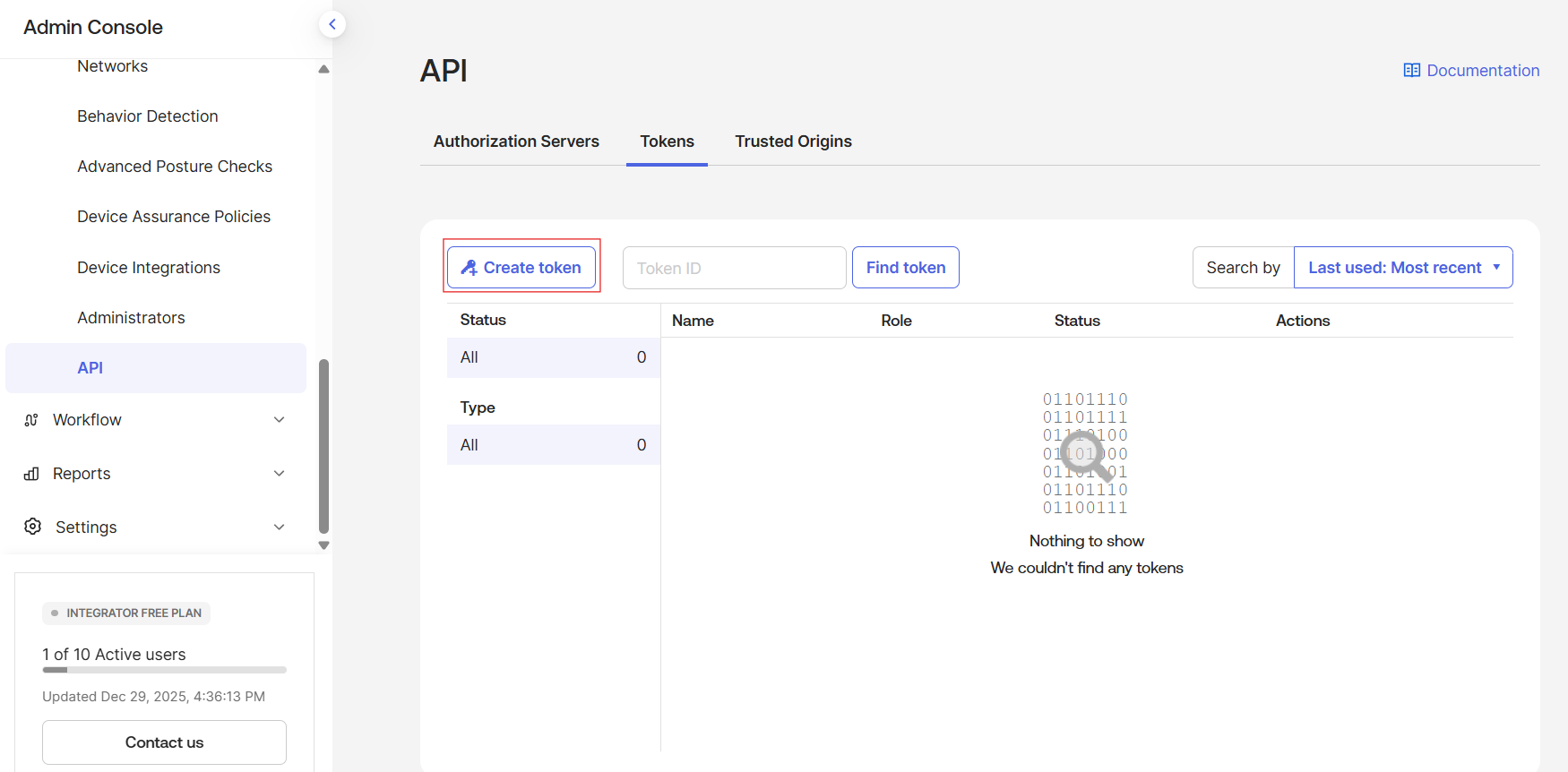
아래와 같이 Security → API → Tokens 에서 아래와 같이 Create token 버튼을 클릭하여 token을 생성한다.
이때 token 값을 기록해두어야 한다.
 |
Okta Provider 연결
아래와 같이 새로 파일을 작성하여 연결 실습을 해보자.
# provider.tf
terraform {
  required_providers {
    okta = {
      source  = "okta/okta"
      version = "~> 4.0"
    }
  }
}

provider "okta" {
  org_name  = var.okta_org_name
  base_url  = var.okta_base_url
  api_token = var.okta_api_token
}
# variables.tf
variable "okta_org_name" {
  description = "Okta organization name (ex: dev-123456)"
  type        = string
}

variable "okta_base_url" {
  description = "Okta base url (okta.com or oktapreview.com)"
  type        = string
  default     = "okta.com"
}

variable "okta_api_token" {
  description = "Okta API token"
  type        = string
  sensitive   = true
}
# 환경변수 입력
export TF_VAR_okta_org_name="integrator-XXXXXXX"
export TF_VAR_okta_api_token="XXX-XXXXXXXXXXXXXXXXXXXXXXXXXXXXXXXXx"
모두 준비되면 아래와 같이 연결이 잘 되는지 확인할 수 있다.
[root@k8s-master terraform-access-control]# rm -rf .terraform .terraform.lock.hcl
[root@k8s-master terraform-access-control]# tofu init
...
[root@k8s-master terraform-access-control]# tofu plan

No changes. Your infrastructure matches the configuration.

OpenTofu has compared your real infrastructure against your configuration and found no differences, so no changes are needed.
Okta 그룹 생성
연결이 확인되면 이제 group 리소스를 처음 만들어보자.
# main.tf
resource "okta_group" "k8s_admins" {
  name        = "k8s-admins"
  description = "Kubernetes cluster administrators"
}

resource "okta_group" "k8s_readonly" {
  name        = "k8s-readonly"
  description = "Kubernetes read-only users"
}
[root@k8s-master terraform-access-control]# tofu plan

OpenTofu used the selected providers to generate the following execution plan. Resource actions are indicated with the following symbols:
  + create

OpenTofu will perform the following actions:

  # okta_group.k8s_admins will be created
  + resource "okta_group" "k8s_admins" {
      + description = "Kubernetes cluster administrators"
      + id          = (known after apply)
      + name        = "k8s-admins"
      + skip_users  = false
    }

  # okta_group.k8s_readonly will be created
  + resource "okta_group" "k8s_readonly" {
      + description = "Kubernetes read-only users"
      + id          = (known after apply)
      + name        = "k8s-readonly"
      + skip_users  = false
    }

Plan: 2 to add, 0 to change, 0 to destroy.

─────────────────────────────────────────────────────────────────────────────────────────────────────────────────────────────────────────────────────────────────────────────────────────────────────────────────────────────────────

Note: You didn't use the -out option to save this plan, so OpenTofu can't guarantee to take exactly these actions if you run "tofu apply" now.
[root@k8s-master terraform-access-control]# tofu apply

OpenTofu used the selected providers to generate the following execution plan. Resource actions are indicated with the following symbols:
  + create

OpenTofu will perform the following actions:

  # okta_group.k8s_admins will be created
  + resource "okta_group" "k8s_admins" {
      + description = "Kubernetes cluster administrators"
      + id          = (known after apply)
      + name        = "k8s-admins"
      + skip_users  = false
    }

  # okta_group.k8s_readonly will be created
  + resource "okta_group" "k8s_readonly" {
      + description = "Kubernetes read-only users"
      + id          = (known after apply)
      + name        = "k8s-readonly"
      + skip_users  = false
    }

Plan: 2 to add, 0 to change, 0 to destroy.

Do you want to perform these actions?
  OpenTofu will perform the actions described above.
  Only 'yes' will be accepted to approve.

  Enter a value: yes

okta_group.k8s_admins: Creating...
okta_group.k8s_readonly: Creating...
okta_group.k8s_admins: Creation complete after 1s [id=00gypu0d5yYlmpq6d697]
okta_group.k8s_readonly: Creation complete after 1s [id=00gypu3w4aLdzWj86697]

Apply complete! Resources: 2 added, 0 changed, 0 destroyed.
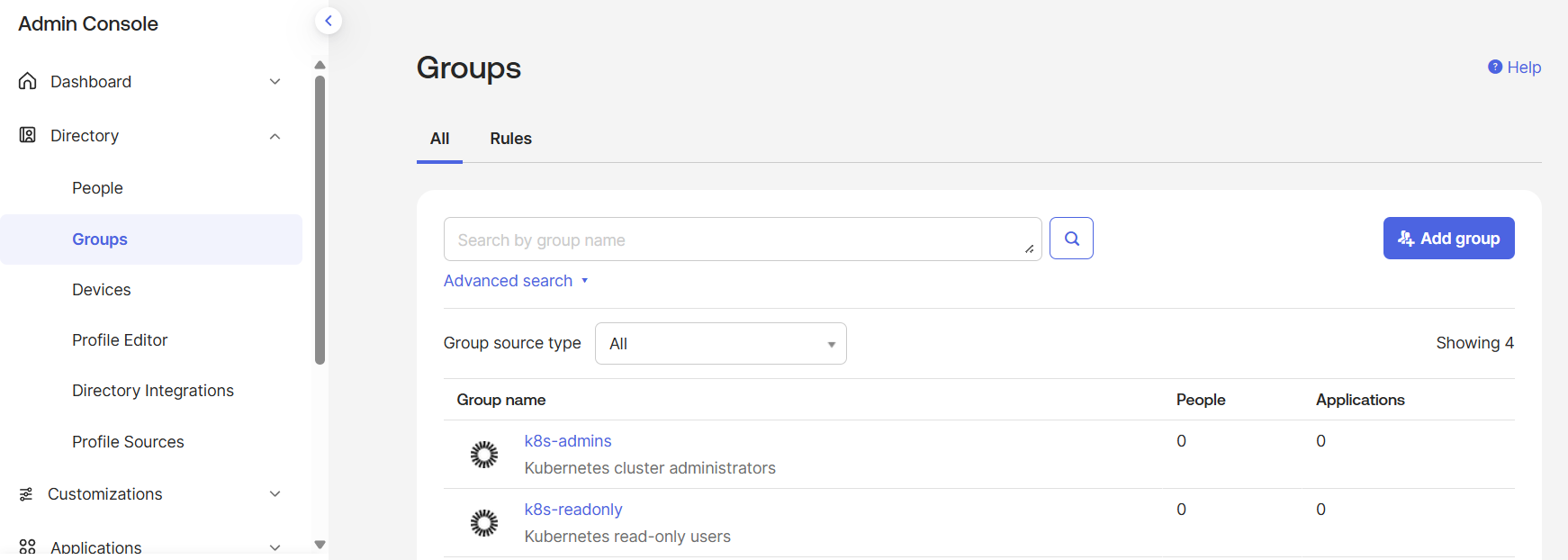 |
실행 후 UI에서 리소스가 생성됨을 확인할 수 있다.
# README.md
# Terraform(OpenTofu) 기반 Okta 접근제어 자동화 실습

## 목표
- Okta API를 활용해 접근제어 리소스를 IaC로 관리
- 엔터프라이즈 환경에서 서버/클러스터 접근 권한 자동화 구조 이해

## 구성
- Okta Integrator Free Plan
- OpenTofu (Terraform compatible)
- Okta Provider

## 구현 내용
- Okta Provider 연동
- 접근제어용 사용자 그룹 생성
- API Token 기반 자동화'Okta+QueryPie+k8s' 카테고리의 다른 글
| QueryPie ACP Community Edition 구축 (0) | 2026.01.05 |
|---|---|
| QueryPie 구축(K8s) (0) | 2025.12.31 |
| Okta OIDC Application 생성 (0) | 2025.12.30 |
| Okta User 생성 + Group 맵핑 자동화 (0) | 2025.12.29 |
| opentofu 설치 (0) | 2025.12.29 |