참고 문서
Okta 연동하기 - QueryPie ACP
QueryPie ACP
docs.querypie.com
약간의 인터페이스 차이가 있었으나, 위 문서를 참고하여 연동하니 성공하였다.
Okta 계정으로 QueryPie에 로그인을 진행하며 발생했던 Trouble Shooting을 아래와 같이 정리하였다.
Trouble Shooting1
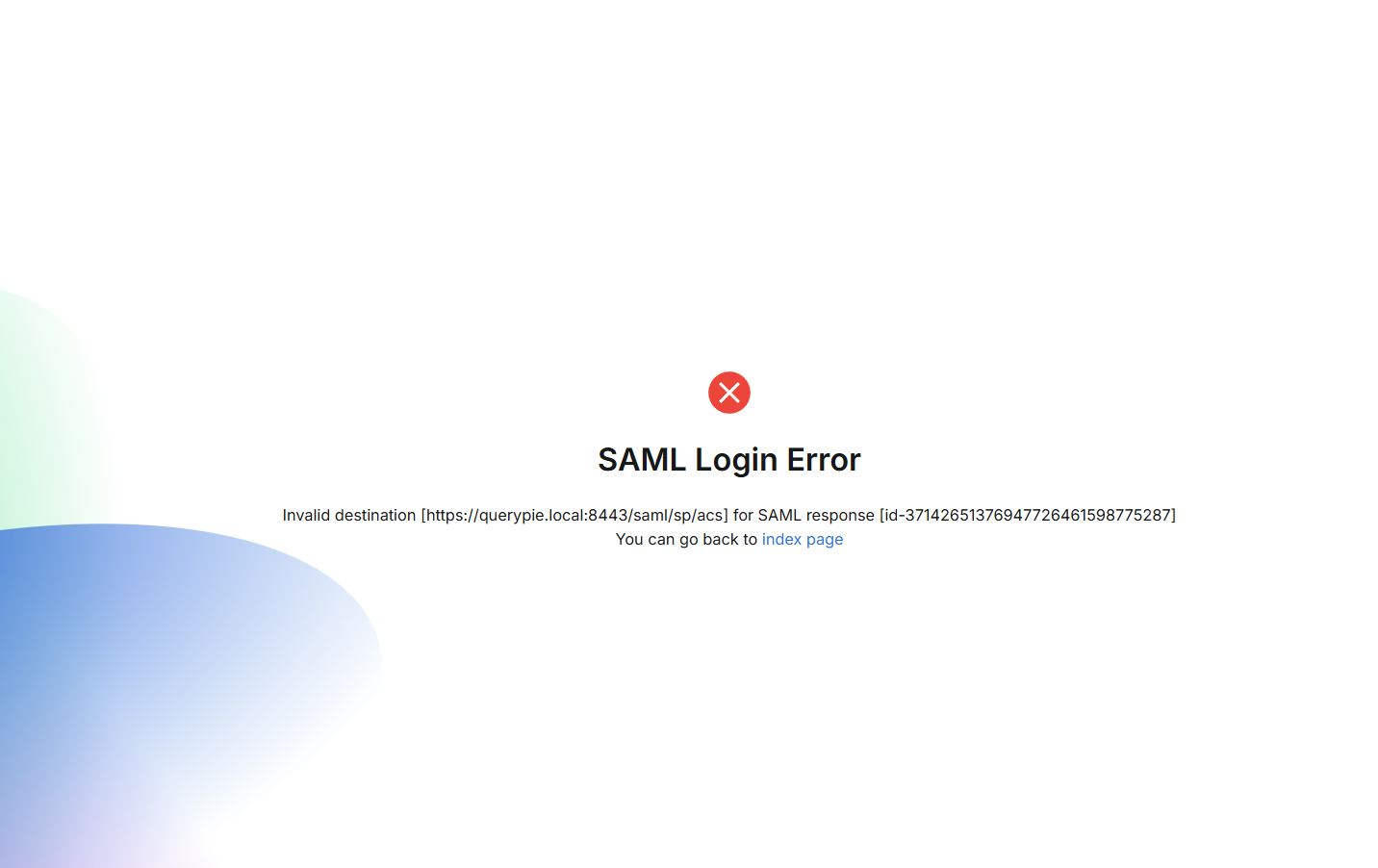 |
가이드대로 Okta에서는 destination을 잘 설정하였으나,
QueryPie에서 응답하지 못해 아래 캡처 사진과 같이 Web Base URL을 설정하여 해결하였다.
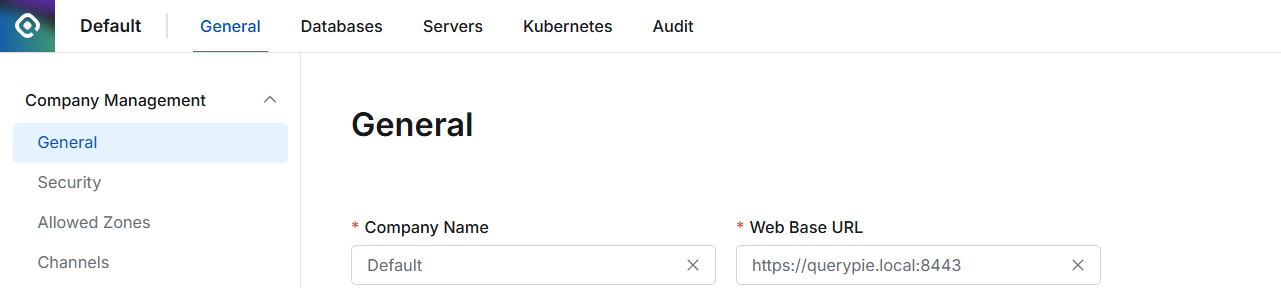 |
Trouble Shooting2
 |
QueryPie가 설치된 VM에서의 시간이 현재 시간보다 늦어 발생한 문제였다.
아래와 같이 시간을 동기화하여 해결되었다.
[root@querypie ~]# chronyc makestep
200 OK
[root@querypie ~]# date
Wed Jan  7 05:47:21 PM KST 2026
[root@querypie ~]# cd querypie/
[root@querypie querypie]# cd current/
[root@querypie current]# docker compose restart
Trouble Shooting3
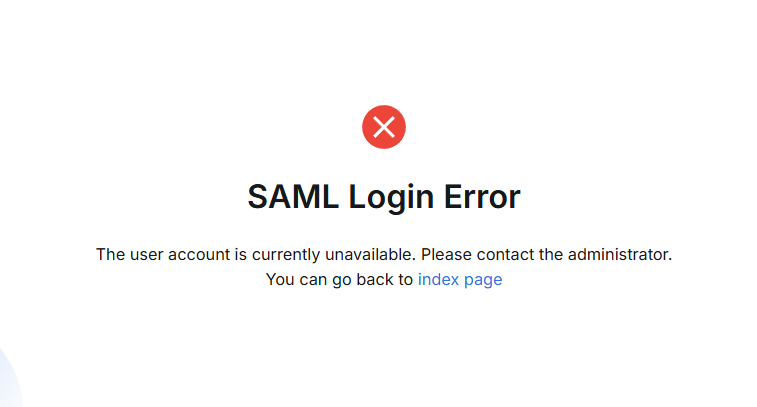 |
이번에는 Synchronize 이후 Okta에서 생성한 계정이 QueryPie로 동기화되지만,
QueryPie 상에서 계정이 비활성화 상태여서 발생한 에러다.
아래와 같이 계정을 활성화시켜 이슈를 해결하였다.
 |
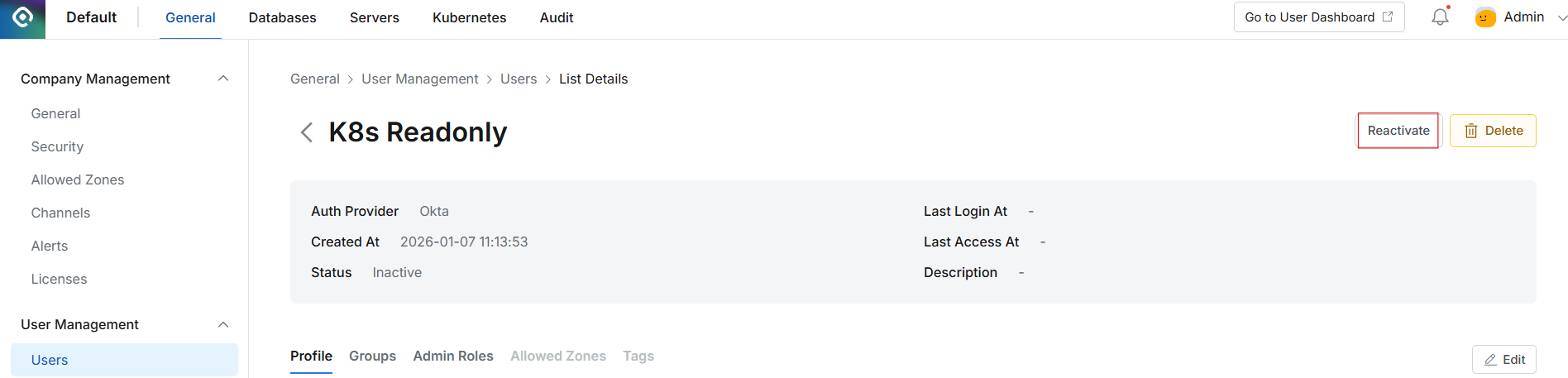 |
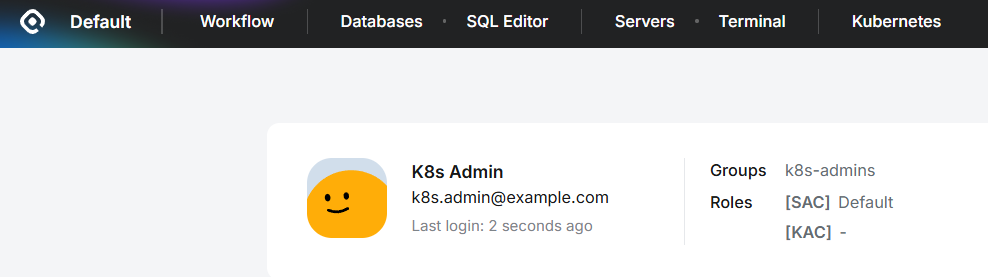
최종적으로 아래와 같이 로그인에 성공한 것을 확인할 수 있다!
 |
흐름 요약
[사용자]
   ↓
[QueryPie 로그인 버튼]
   ↓ (SAML AuthnRequest)
[Okta]
   ↓ (인증 성공)
[SAML Response]
   ↓
[QueryPie 로그인 완료]'Okta+QueryPie+k8s' 카테고리의 다른 글
| k8s를 QueryPie에 연동 (0) | 2026.01.12 |
|---|---|
| QueryPie ACP Community Edition 구축 (0) | 2026.01.05 |
| QueryPie 구축(K8s) (0) | 2025.12.31 |
| Okta OIDC Application 생성 (0) | 2025.12.30 |
| Okta User 생성 + Group 맵핑 자동화 (0) | 2025.12.29 |